

U disk archive NS SX OS archive
Computer & Office / Storage Devices / Memory Cards pick · Ships worldwide from ShopSeeNow
Colour
Checking shipping rates…
Choose a pack
Global shipping
Tracked delivery to 200+ countries
Buyer protection
Money back guarantee
Product highlights
- Category: Electronics › Computer & Tablet Accessories
- Free standard shipping included in the price
- Tracked worldwide delivery and 30-day returns
Basic usage
1: Unzip the SD file to the microSD card of the Nintendo Switch.
For files larger than 3.7GB, it is recommended to use exFAT, which includes a large number of games.
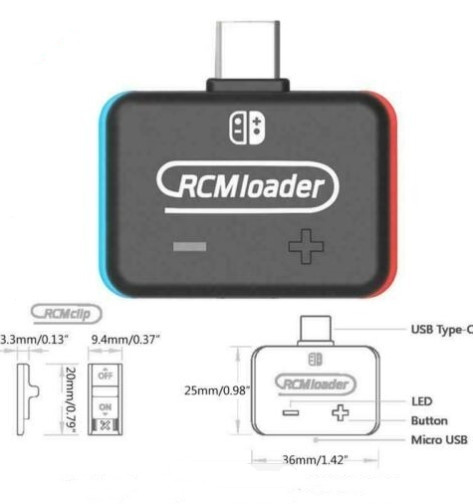
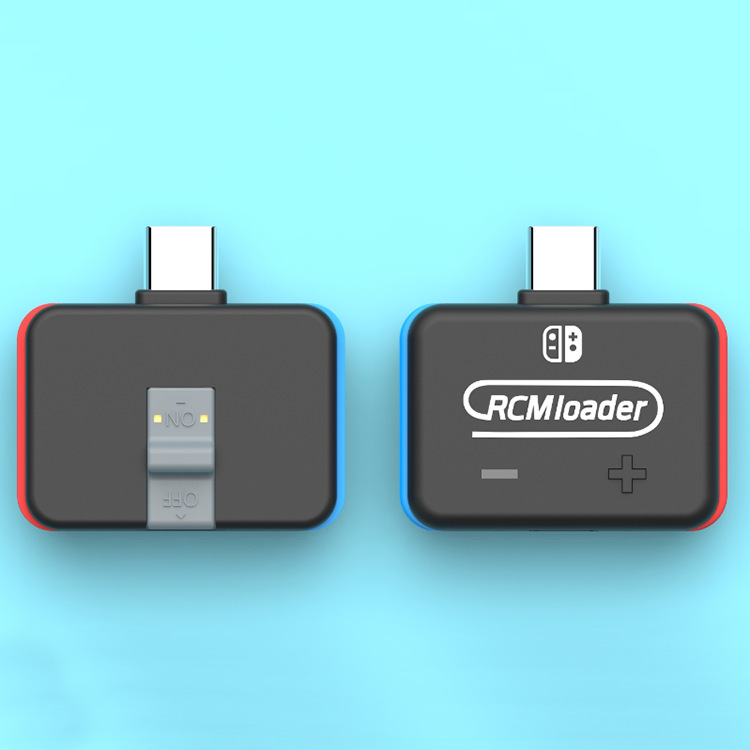
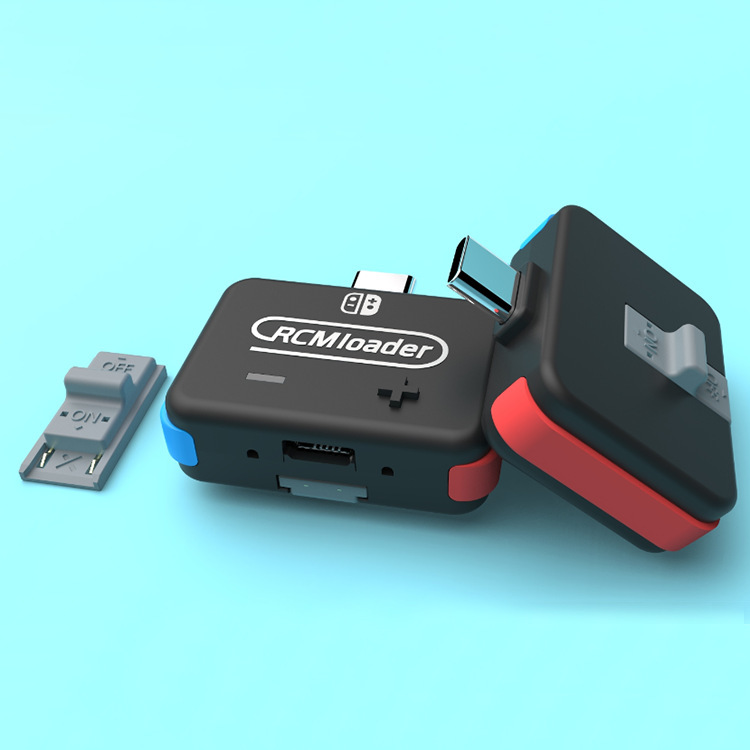
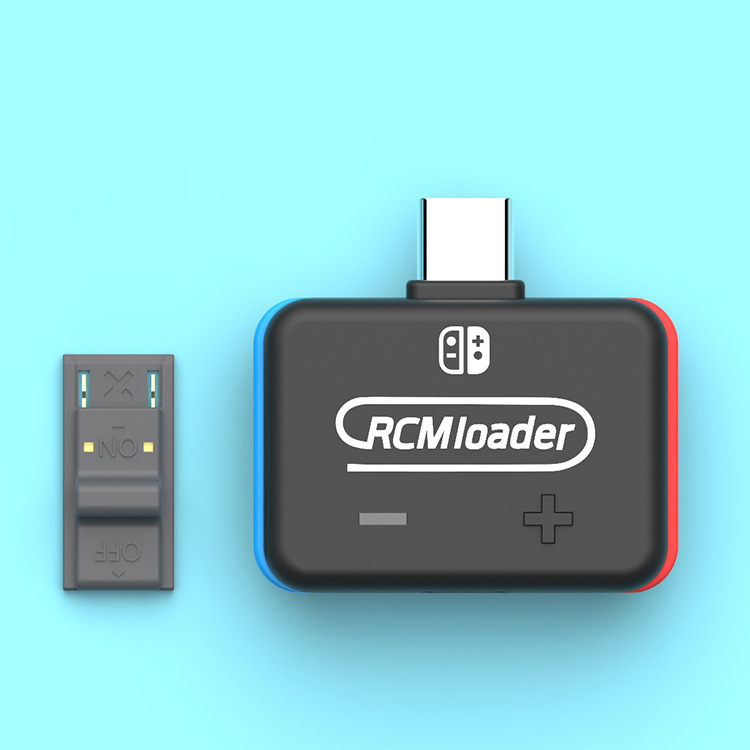
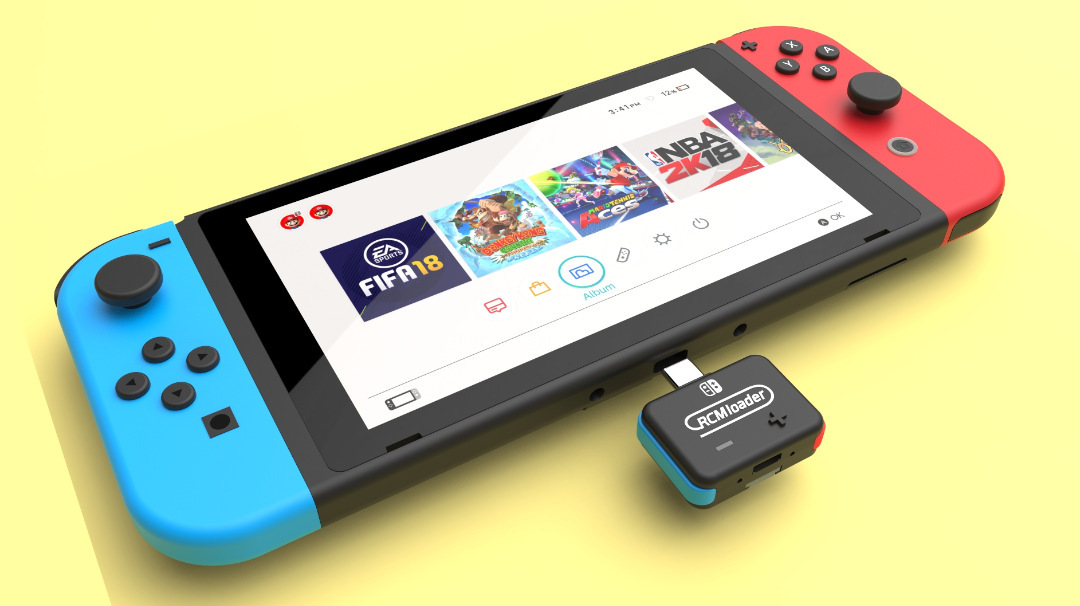
2: Insert the RCMloader and RCMclip into the Nintendo Switch.
RCMloader enters the charger port, the RCMclip in the right joycon track.
3: Press and hold the volume up and press the power button, CFW should start.
After the CFW is started, you can delete the RCMloader and RCMclip.
4: Enjoy the latest games and homemade games!
A more comprehensive guide can be found here.
RCMloader for ns switch console sx pro adaptor break for Atmosphere ReiNX SXOS
Specifications
- Weight
- 17.00
- Material
- ["塑料"]